Set up Inbound and/or Outbound Destinations, Time Conditions, and Call Flows
Destinations define how incoming and outgoing calls are routed through your PBX. Combined with Time Conditions and Call Flows, they form the backbone of your call routing logic.
-
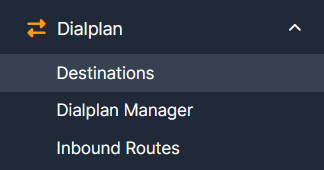
Navigate to Dialplan → Destinations.
-
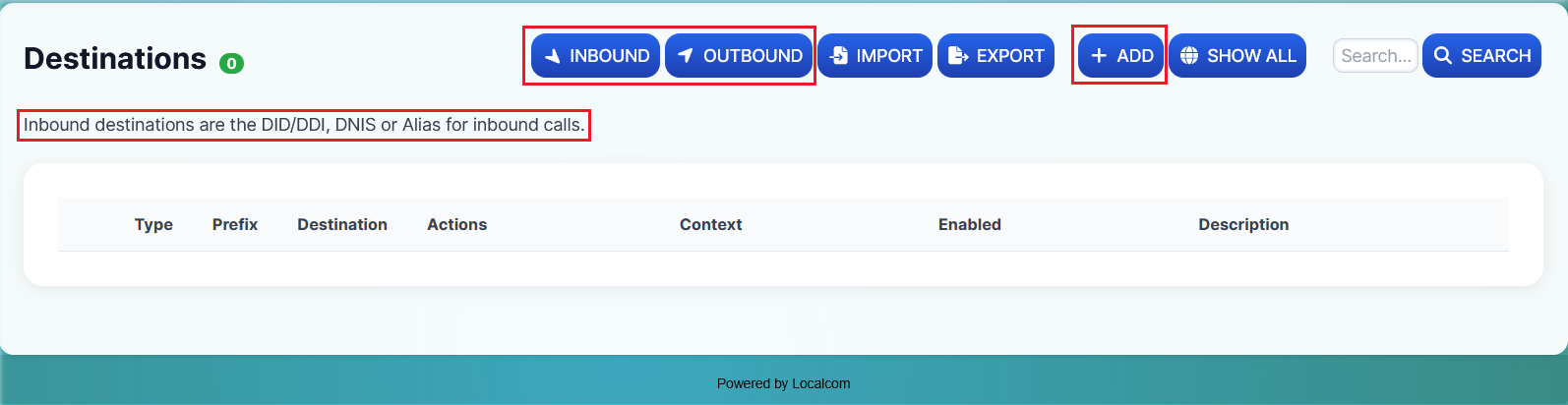
Select either the Inbound or Outbound button, followed by the +ADD button to add a new destination.
-
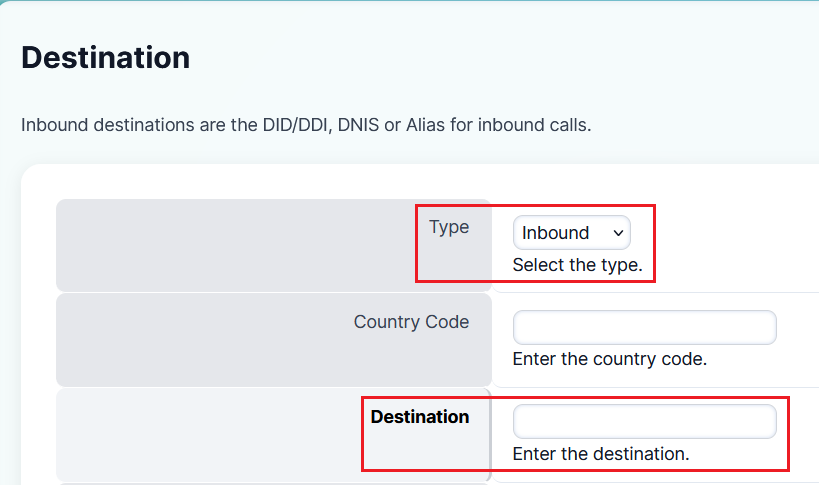
Specify the destination type (Inbound or Outbound) and enter the Destination DID number.
-
Assign an action for the Inbound Destination. This can be any of the following:
- Extension
- Call Center Queue
- Time Condition
- Manual Diversion Call Flow Switch
- Ring Group
- IVR Menu
- Outbound Destination
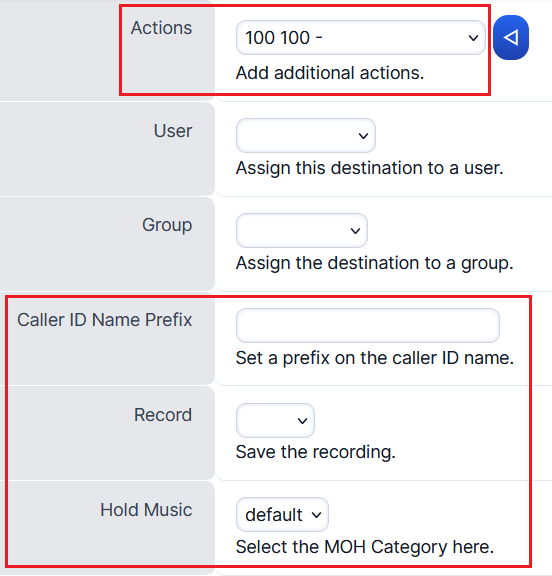
You can also choose to play custom hold music or use the system default, and enable or disable call recording for that destination.
Tip
You may define a Caller ID Name Prefix to help users identify the origin of calls — especially useful when handling calls from multiple site locations. The prefix displays on the phone screen before the caller ID number (e.g., Sydney#0400123123).
Recommended Inbound Destination Setup
For a robust inbound call routing setup, follow this recommended configuration:
-
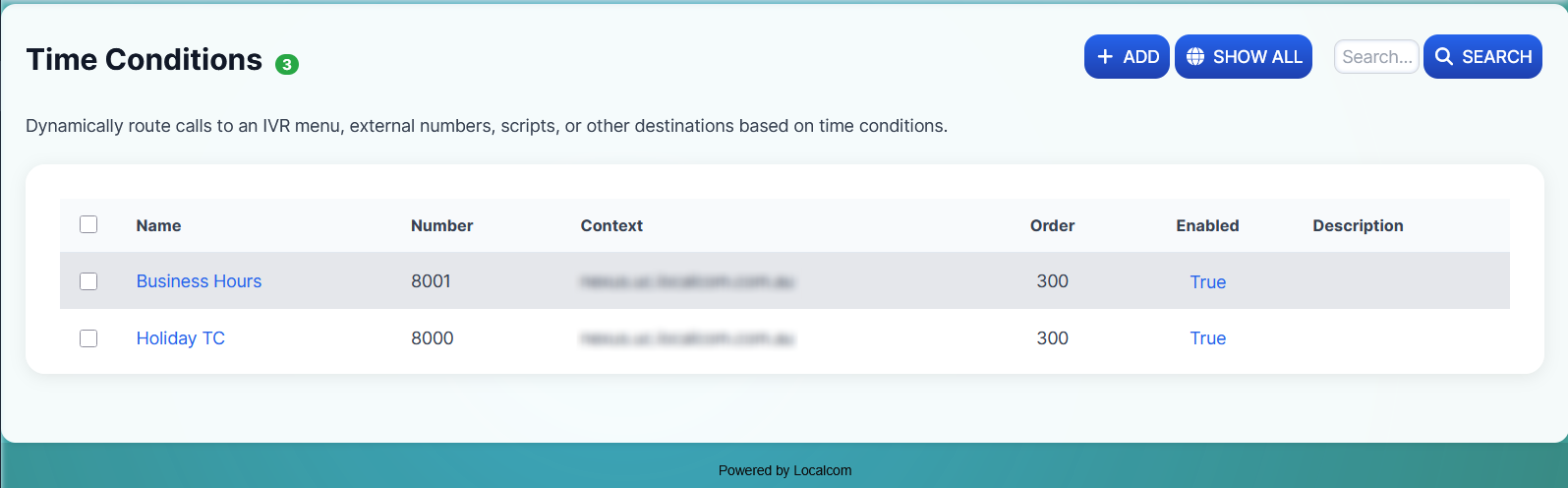
Create Holiday and Business Hours Time Conditions under Applications → Time Conditions.
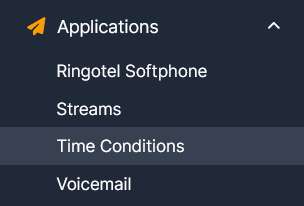
Holiday Time Condition setup:
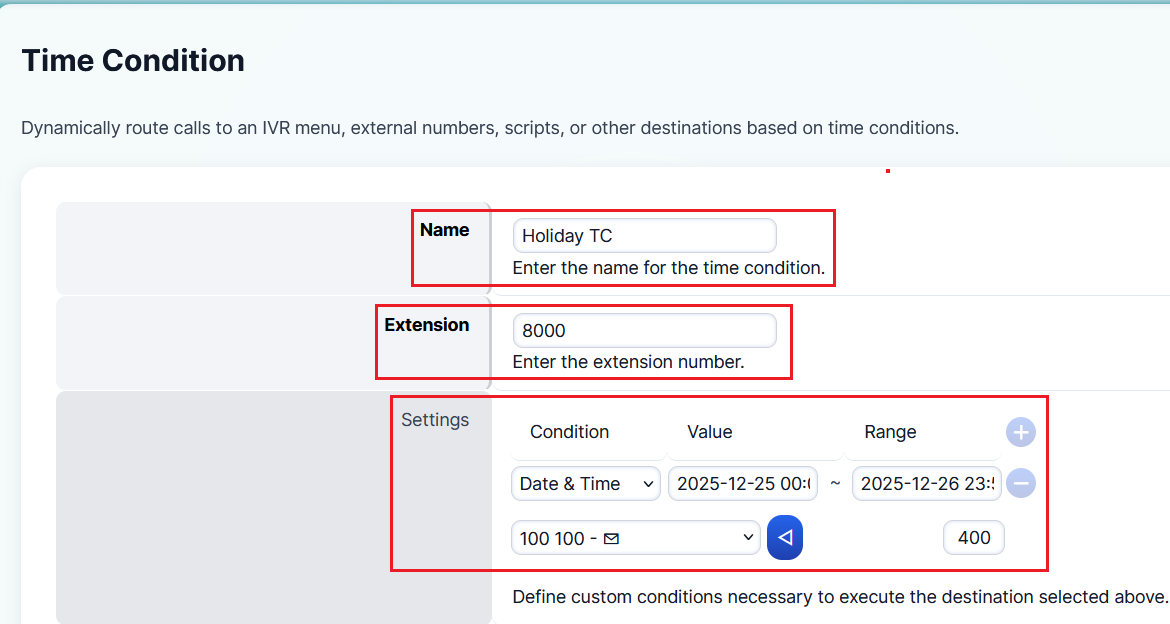
Business Hours Time Condition setup:
-
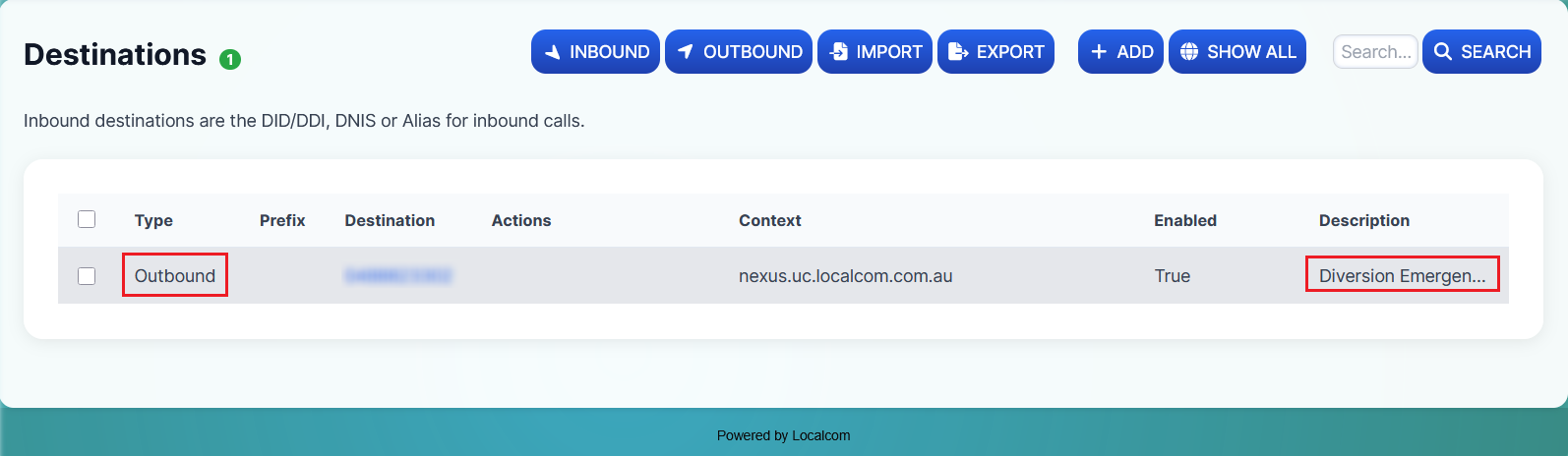
Create an Emergency Contact Diversion (mobile or DID number) under Dialplan → Destinations (Outbound).
-
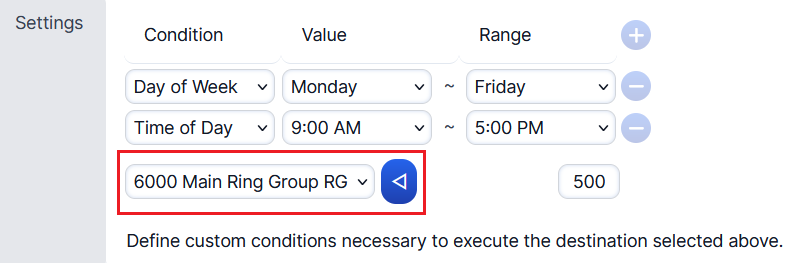
Set the Main Inbound Action (e.g., Extension, Ring Group, Queue, or IVR Menu) on the Business Hours Time Condition.
-
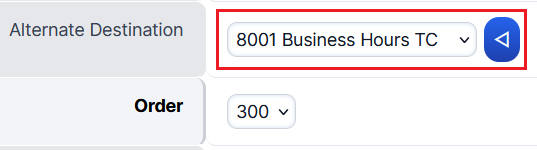
Assign the Business Hours Time Condition as the Alternate Destination under the Holiday Time Condition.
-
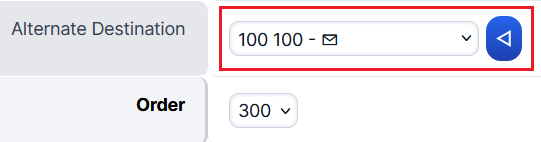
Assign the out-of-office destination (e.g., Voicemail Inbox or Diversion mobile/DID number) as the Alternate Destination under the Business Hours Time Condition.
-
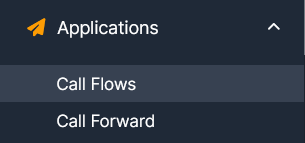
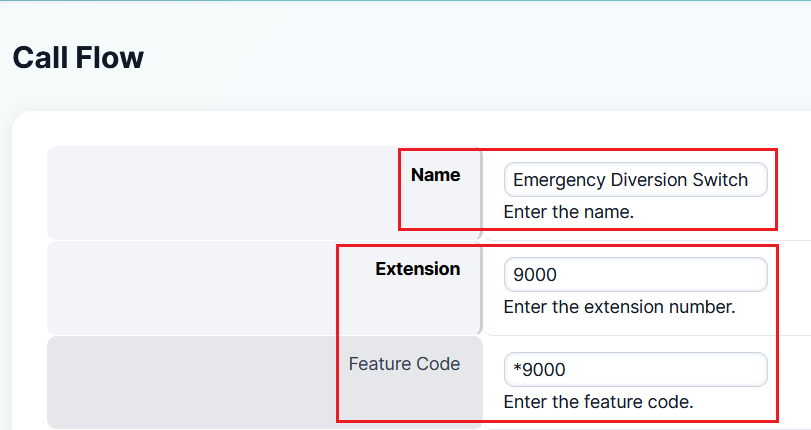
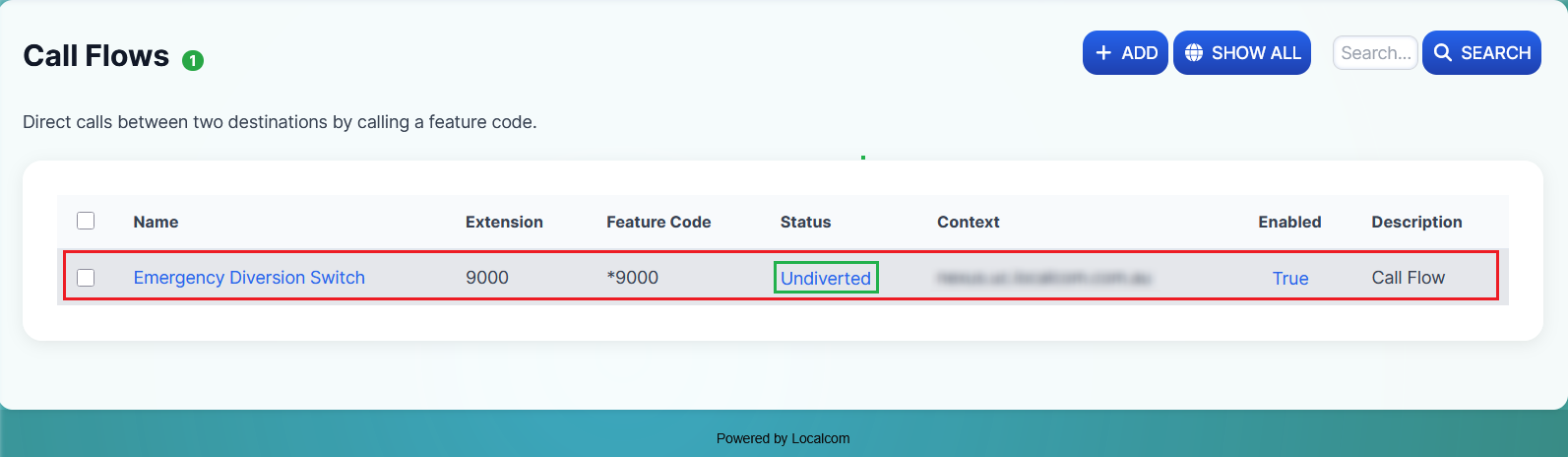
Create a Manual Diversion Call Flow Switch for emergency failover under Applications → Call Flows.
-
Configure the Call Flow with the following assignments:
- Destination Label: Undiverted (or anything sensible)
- Destination: Holiday Time Condition
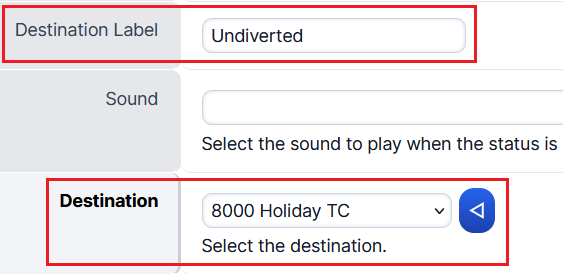
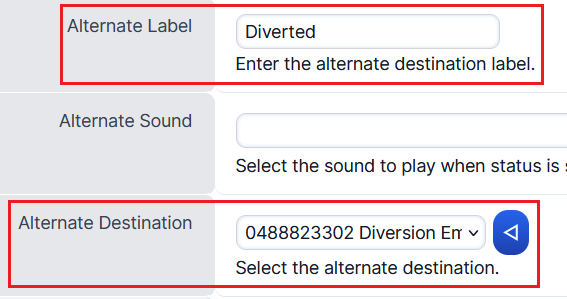
- Alternate Label: Diverted (or anything sensible)
- Alternate Destination: Emergency Contact Diversion (mobile/DID)
-
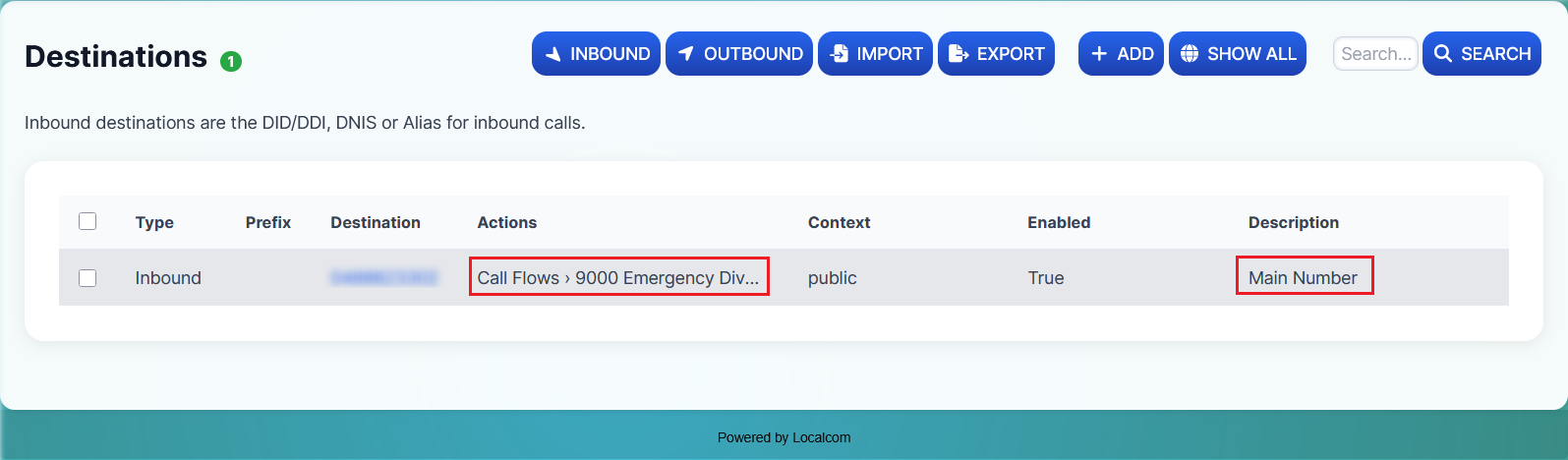
Assign the Manual Call Flow Diversion Switch as the Main Inbound Action for the Inbound DID number.