Accessing Call Detail Records (CDR) and Call Recordings
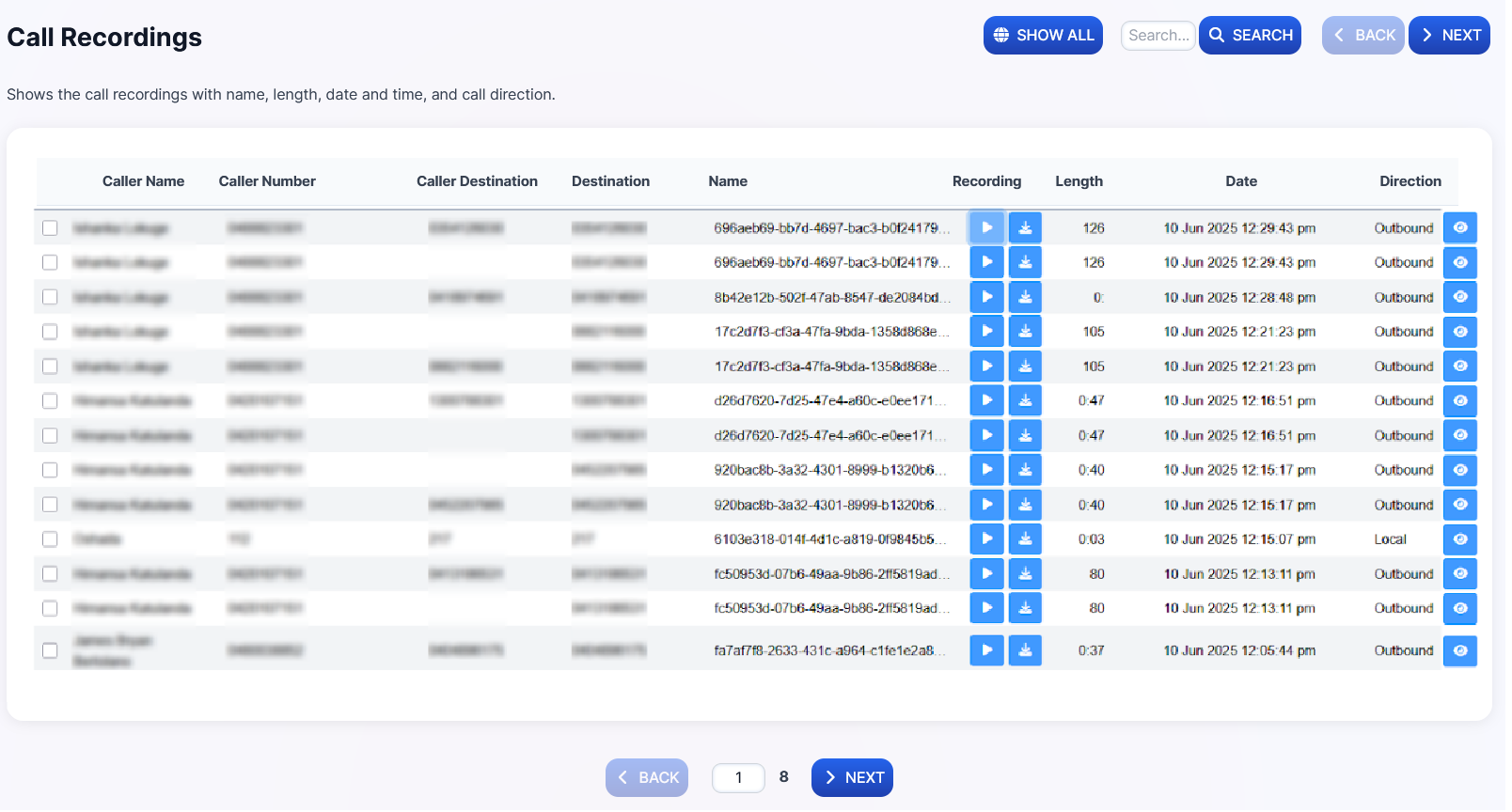
Call Detail Records provide comprehensive logging of all calls through the PBX, including source, destination, duration, and quality metrics. Call recordings (when enabled) can be played back or downloaded from here.
-
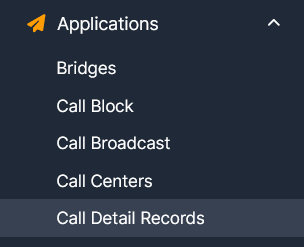
Navigate to Applications → Call Detail Records.
-
Use the available filters to find specific call records, or export them using the Export or CSV button.
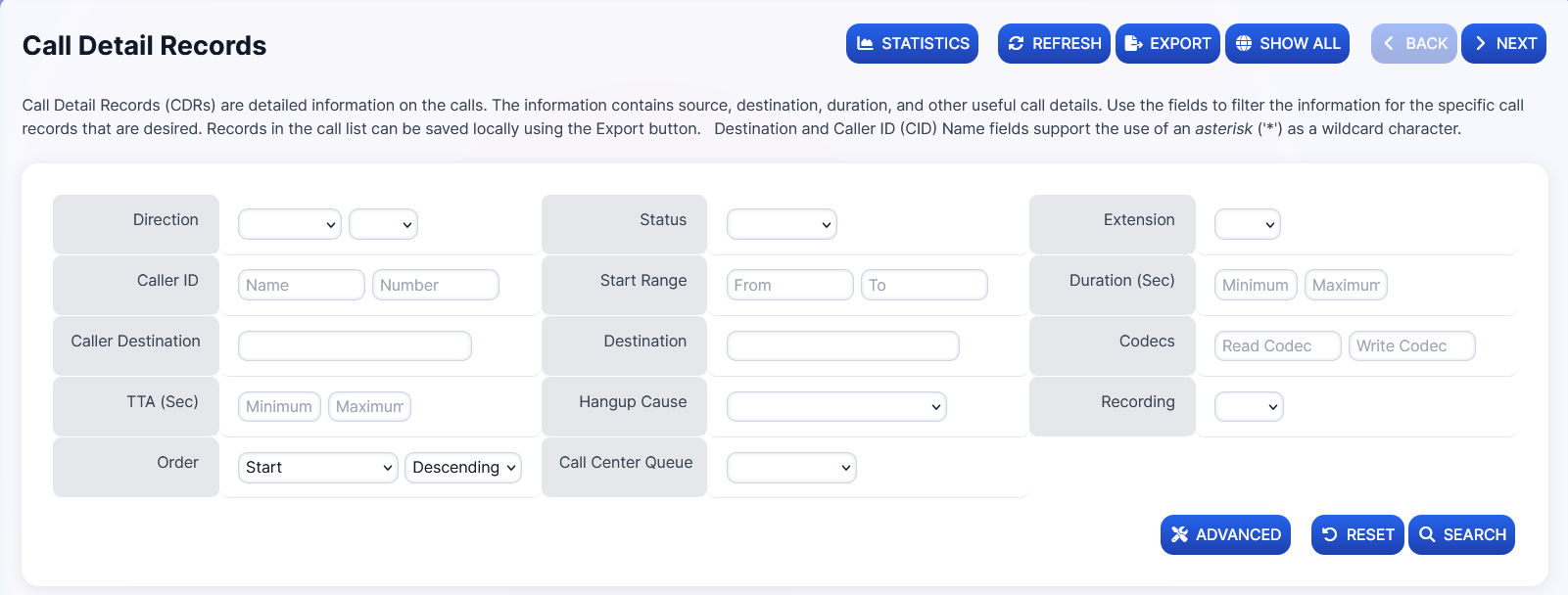
Available CDR Fields:
| Field | Description |
|---|---|
| Extension | Phone extension |
| Caller Name | Caller ID name |
| Caller Number | Origin of the call |
| Caller Destination | Call destination |
| Recording | Link to the recording if available |
| Date & Time | When the call entered the system |
| Codecs | Phone codec used |
| TTA | Time To Answer |
| PDD | Post Dial Delay (time between final dialed digit and hearing a ring tone) |
| MOS | Mean Opinion Score (voice quality) |
| Duration | Length of the call |
| Status | Call outcome (Answered, Missed, Voicemail, etc.) |
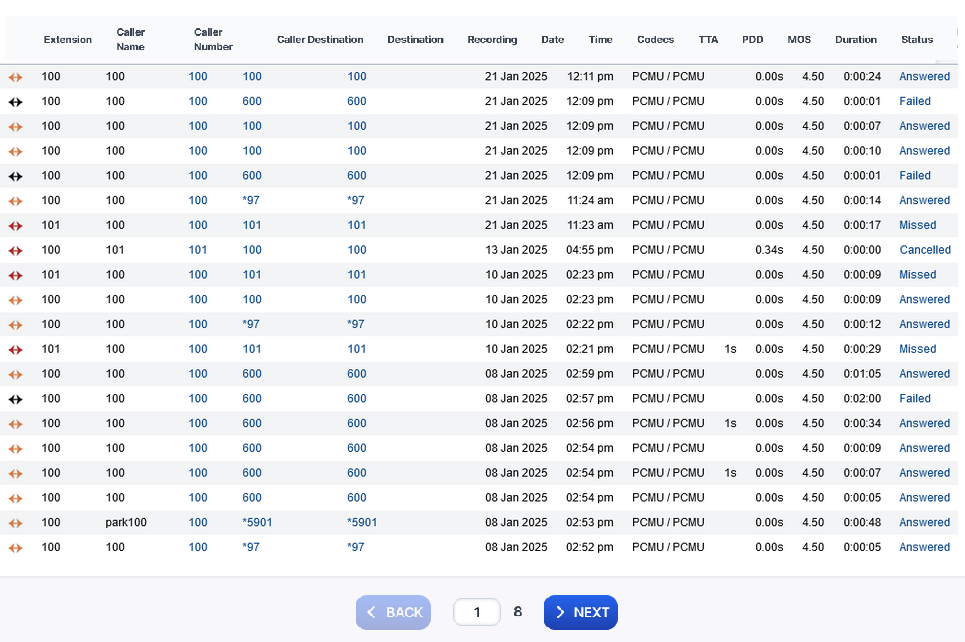
The system uses XML CDR for reporting.
Call Recordings
You can play or download call recordings in two ways:
-
From CDR: Click either of the two available buttons under the Recording column if recording was enabled for that extension or queue.

-
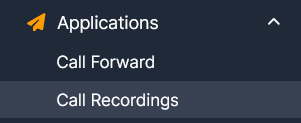
From Call Recordings: Navigate to Applications → Call Recordings for a dedicated view of all recordings.